The Bird Feeder With a Camera That Puts a Name to Every Visitor
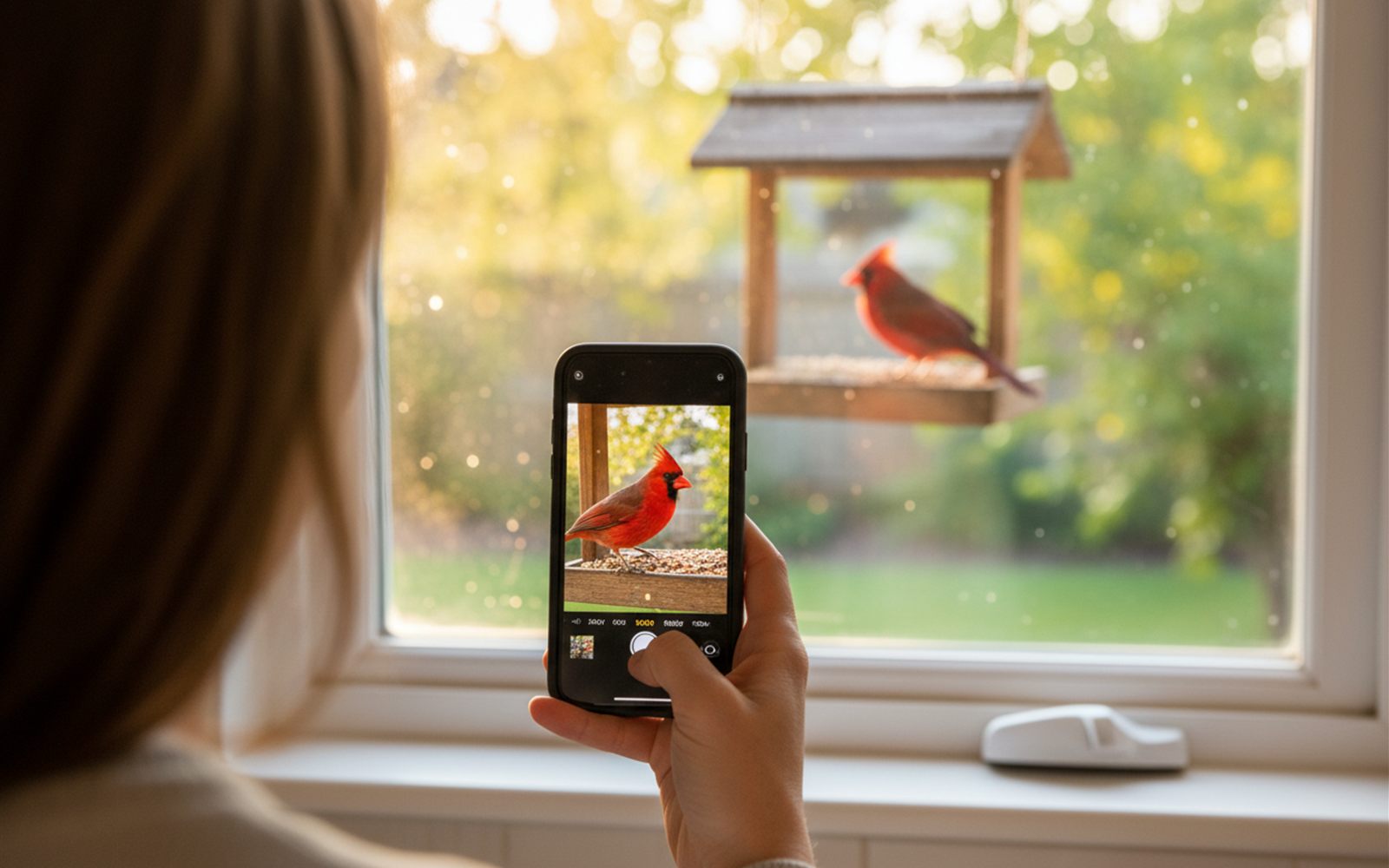
A solar powered feeder that snaps portraits of every bird and tells you who just landed.
Family sends photos from a free app and they simply appear on the counter within seconds.

Your family group chat gets thirty photos a week. Grandma hearts two of them, misses the rest, and still has a framed picture from 2019 on the counter. The photos exist. They just never make it to the person who wants them most.
That is the exact gap this $55 frame closes, and more than 10,000 rated buyers say it actually closes it.
The Akimart FRAMEO is a 10.1 inch WiFi digital photo frame, about $55 on Amazon. Anyone in the family installs the free Frameo app, enters the frame’s code once, and from then on every photo they send appears on the frame within seconds, from any city on earth. It holds 32GB of storage, takes a microSD card for more, and plays short video clips up to 15 seconds.
The design insight is one sentence long: every digital frame before this era failed because it made the recipient do the work, and this one moves all the effort to the senders. The grandkids’ phones do the labor. Grandma’s only job is glancing at the counter.
Photos arrive with zero effort on grandma’s end. No cloud accounts, no email attachments, no syncing. The frame just changes. Reviewers with relatives in other states and countries describe it as the closest thing to visiting more often.
It was clearly designed for the least technical person in the family. The 1280 x 800 IPS touch screen responds to simple taps, rotates automatically between portrait and landscape, and buyers repeatedly note that older parents and grandparents run it without a single support call. Recipients can even tap an emoji reaction, so the sender knows the photo landed.
The screen earns the counter space. Photos look sharp and bright from across the kitchen, and a collage mode shows up to six at once. It can also show the time, the weather, and a photo caption along the bottom, or sync a calendar from Google, iCloud, or Outlook, small touches that make it a genuine kitchen fixture rather than a screensaver. At about $55, it undercuts the big subscription frames by half or more, and sending photos requires no subscription.
Plug it in, tap through the WiFi connection once, and read the pairing code off the screen. Everyone in the family types that code into the free app on their phones. Done. From that moment, sending a photo takes three taps and lands in seconds.
Before: a shoebox of prints from two decades ago, and a phone full of grandchildren the frame on the counter has never met.
After: Saturday’s soccer game fades onto the kitchen counter Sunday morning, and grandma texts back an actual sentence about the goal.

Buyers who gift this frame well follow a short playbook, and it turns a good gift into the one that makes someone cry at the table.
Stage it at your house first. Set it up on your own WiFi, get every family member into the app that week, and load fifty photos before it is ever wrapped. On delivery day you walk it through their WiFi once, and the frame wakes up already full of family.
Put the pairing code in the group chat. One message, everyone joins in a minute, and the frame becomes the family’s shared destination instead of one person’s chore. The more senders, the more alive the counter gets.
Crop before you send. The one recurring niggle is odd ratio photos needing a pinch to fit the screen. The fix lives on the sender’s side: a two second crop in the app preview before sending, and every photo lands full frame.
Use captions like postcards. A photo of the beach is nice. The same photo captioned with the inside joke is a conversation. The caption line along the bottom is the feature families discover in month two and never stop using.
Send video sparingly and deliberately. Fifteen second clips of a first bike ride or a blown out birthday cake hit different on a kitchen counter. Reviewers describe video as the moment the frame stops being wallpaper.
Add a microSD card for the long game. The built in 32GB already holds years of photos, and a cheap card stretches it toward a decade. This frame is a family archive that happens to be plugged in.
The digital frame market splits into a budget app tier and a premium cloud tier, and the honest surprise is how much of the experience the budget tier now covers.
| Frame | Price | The difference |
|---|---|---|
| Akimart FRAMEO 10.1 inch | About $55 | Free app, no subscription, 4.6 stars from 10,400 plus buyers |
| Skylight 10 inch | About $140 | Photos arrive by email, famously simple, 4.7 stars from 27,000 plus buyers |
| Nixplay 10.1 inch | About $140 | Cloud playlists and multi frame management, 4.5 stars from 21,000 plus buyers |
| Aura Carver | About $199 | The critics’ darling, unlimited storage, auto brightness, effortless polish |
The honest sort: Aura is the category’s luxury pick for a reason, and it is the name experts at Wirecutter, Wired, PCMag, and Forbes keep crowning, with unlimited photo storage and a screen that adjusts itself to the room. Skylight’s email trick remains the gentlest option for a relative who will never install an app. Nixplay suits the family archivist managing several frames from one dashboard.
But the price math is loud. One Aura costs about as much as three of these, so equipping both sets of grandparents plus your own kitchen costs less than one premium frame, with no subscription anywhere in the picture. For the specific job of photos appearing on a counter with zero effort, 82 percent of this frame’s 10,000 plus buyers left five stars, and that gap in polish shrinks to almost nothing once the slideshow is running.

The first wave of digital frames in the 2000s died in drawers, and they deserved it. They ran on SD cards, so updating one meant someone visiting with a card reader, and the photos were whatever got loaded the day it was gifted. The frame was a slideshow of the past, frozen at setup.
The second wave connected to the cloud and fixed the staleness, but many premium brands attached subscriptions and accounts, which reintroduced the original sin: effort at the receiving end. The breakthrough of the Frameo ecosystem, the software this Akimart frame runs, was making the phone app the entire interface and the frame a pure destination. Senders everywhere, zero maintenance at grandma’s end, no monthly fee. That inversion is why this generation of frames finally stays on the counter instead of joining the shoebox.
It holds 4.6 stars across more than 10,400 ratings, with 82 percent leaving five stars, and Amazon notes customers usually keep this item rather than return it. The repeating themes: setup and daily use are genuinely easy for older relatives, it is a gift that outperforms its price, and the picture quality surprises people. One buyer described it as the thing that “brings a smile to grandmas face”.
Three families tell the story themselves.
“Good quality and user friendly. My dad loved it since he lives across the country and I can upload pictures of his grandkids whenever I want.”
(verified Amazon review)
“We are constantly sending pictures to be uploaded. It is so easy to add pictures. Everyone just downloads the app and enters the code.”
(verified Amazon review)
“The app is very user friendly to set up your frame and upload pictures. It’s great for family members to share photos with the frame. Get one!!”
(verified Amazon review)
The honest gripes: photos shot in unusual ratios sometimes need a quick pinch on the touch screen to fit properly, and a small share of buyers report frames that failed after some months. Most run for years, but buy it from a listing with easy returns and set it up well before the birthday, not the morning of.
Families spread across time zones, new parents with far away grandparents, and anyone who has given up on teaching a relative to open shared albums. It sits in the same gift category as our $20 key finder pick: small, under $60, and used every single day. Skip the frame if you want a living room statement piece, since the 15.6 inch versions run closer to $100, or if you need automatic album syncing from iCloud, which is the territory of $140 plus frames like Skylight.
For about $55, it moves the family group chat onto the kitchen counter where it belongs. The button above shows the current price on Amazon.
A solar powered feeder that snaps portraits of every bird and tells you who just landed.
A cordless spinning brush on a long handle strips away soap scum while your knees stay dry.
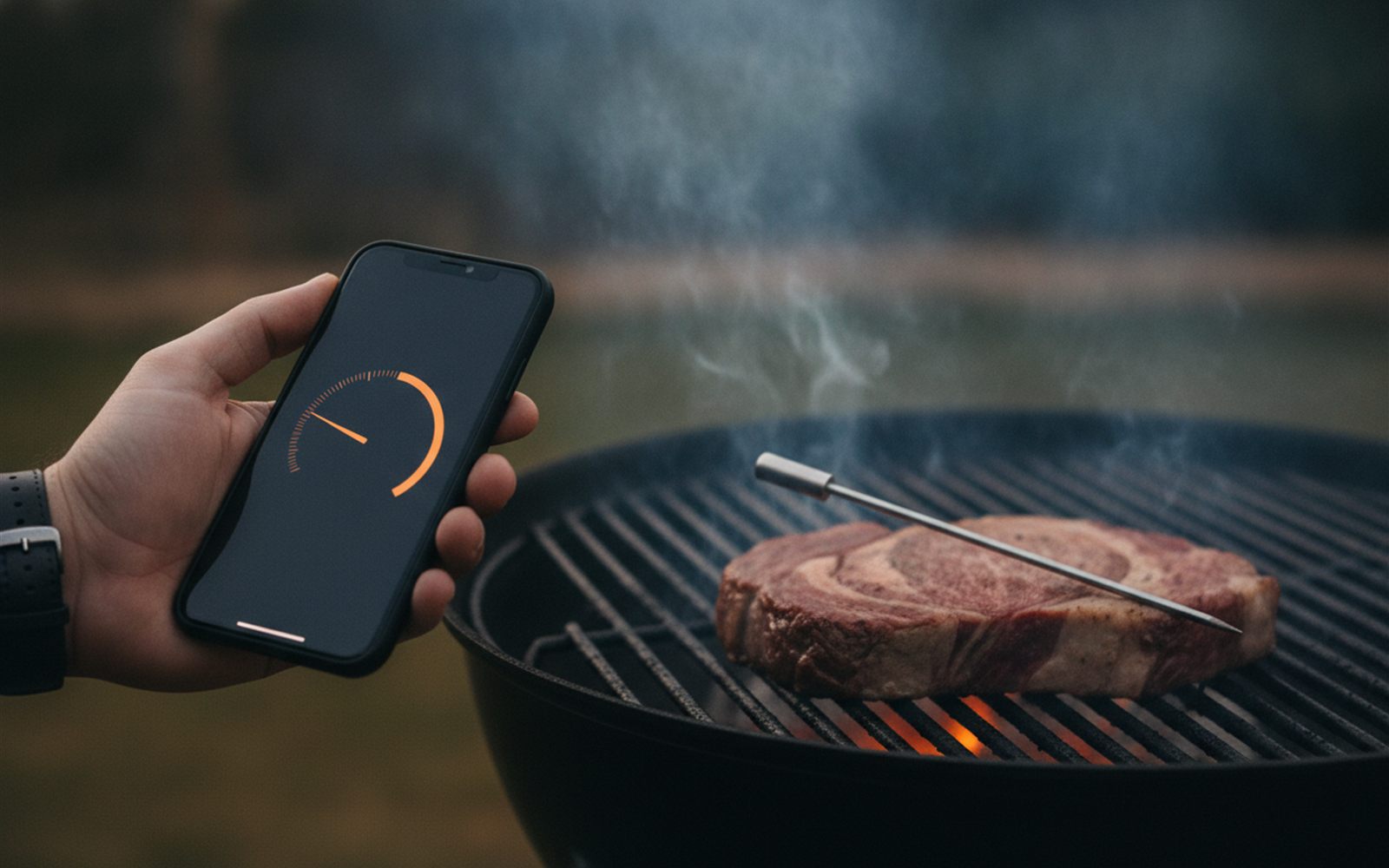
A wire free probe tells your phone exactly when the chicken is done, no guessing, no cutting it open.