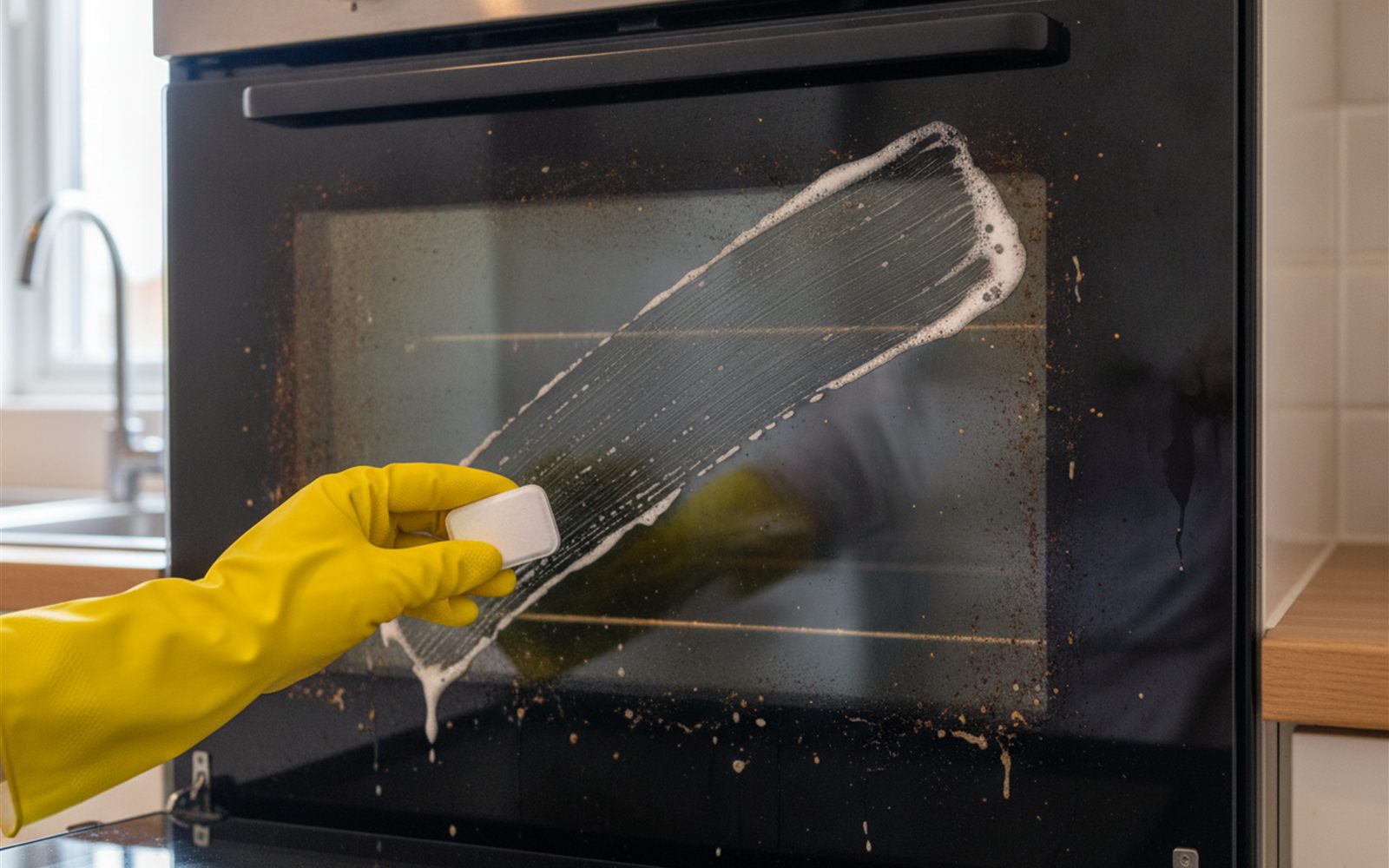
We Checked the Dishwasher Tablet Oven Door Trick Everyone Is Filming
The viral scrub really can clear years of baked on grime, if you follow one temperature rule.
A free app and ten minutes turn a drawer phone into a live security feed you can check anywhere.
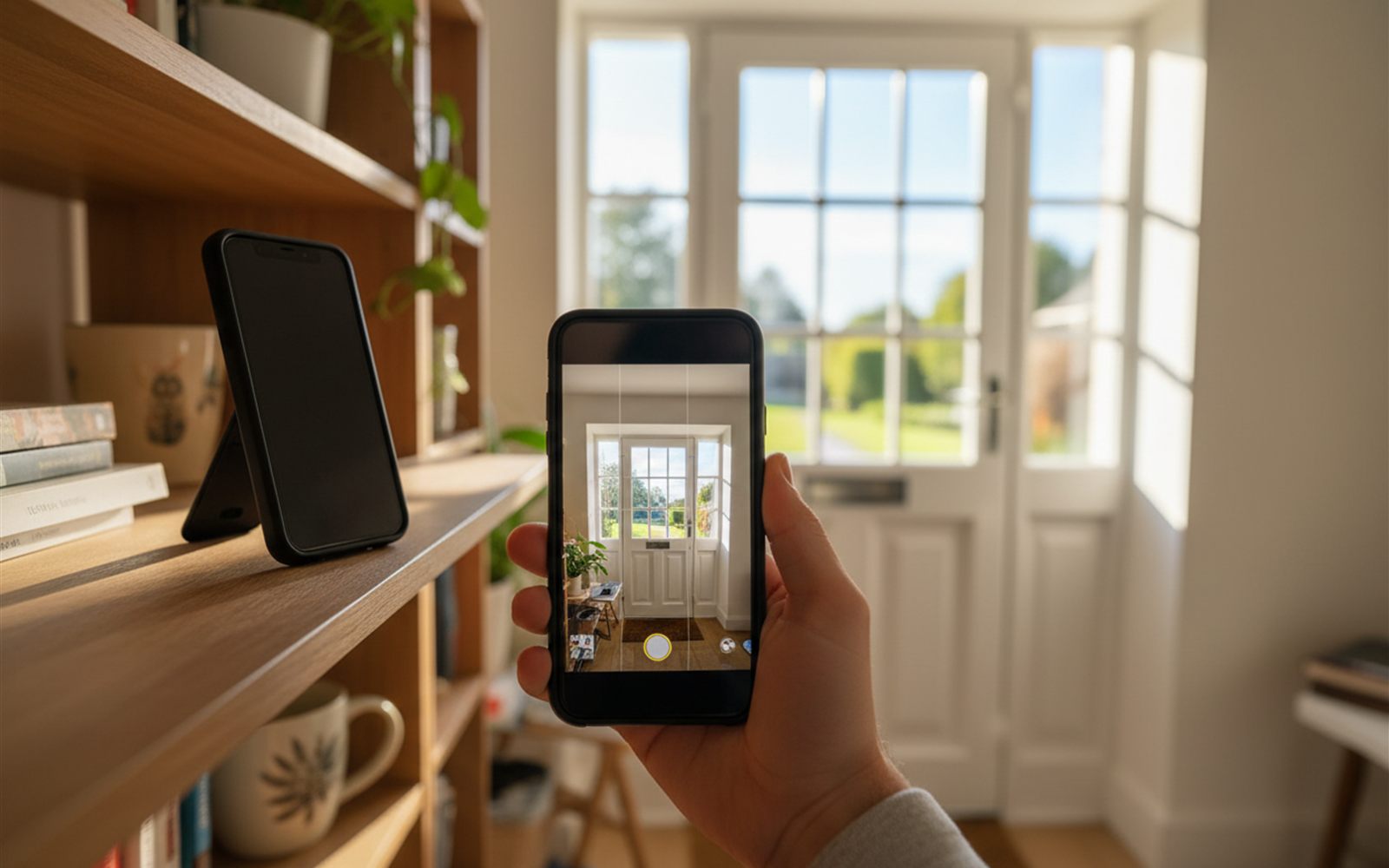
There is a phone in your junk drawer that cost hundreds of dollars new and currently earns nothing. With one free app and about ten minutes, it becomes a live security camera you can check from work, complete with motion alerts and two way audio. We walked through the setup and the honest limits so you know exactly what you are getting.
As upgrade cycles got shorter, apps appeared to give retired handsets a second career. The biggest is AlfredCamera, which reports more than 70 million downloads and has been covered by tech outlets like MakeUseOf and XDA Developers, whose writers set it up on their own spare phones and came away impressed for the price of zero.
The app runs your old phone’s camera and streams the video over your wifi. Your current phone signs into the same account as the viewer, so you can watch live from anywhere with a signal. Motion detection watches the frame for changes and pings your pocket when something moves.
The mechanism is worth naming, because it explains both the magic and the limits. Your old phone already owns the three expensive parts of a security camera: a decent lens, a wifi radio, and a small computer. The app is just the night shift manager. That is why the whole trick costs nothing, and it is also why the weak points are phone weak points: heat, batteries, and hardware designed for vacations, not vigils.
Works. For an indoor job, a spare phone covers most of what a budget camera does. The free tier gives you a live feed, motion alerts, two way talk, and use of either lens. A dedicated camera still wins on a few fronts: it is weatherproof, it has infrared night vision, it records continuously, and it is designed to run hot and plugged in for years. Phones are not, which is why long streaming sessions make them warm and why this setup belongs indoors, out of direct sun.
AlfredCamera is the default for a reason, but it is not the only app worth interviewing. Comparison roundups at SafeSmartLiving and AlternativeTo keep circling the same short list, and each option has a personality.
| App | The short version | Worth knowing |
|---|---|---|
| AlfredCamera | The easy button. Live view, motion alerts, two way talk, works on both Android and iPhone. | Free clips are short and capped in quality. Premium runs $5.99 a month or $35.99 a year under the 2026 pricing posted on Alfred’s own support pages. |
| Manything | A cleaner, quieter take with solid motion detection and reliable alerts. | Reviewers note its development has slowed, which matters for compatibility with newer phones. |
| IP Webcam | The tinkerer’s pick for Android. Streams to any browser on your home network, no company cloud involved. | Setup is fiddlier, and viewing the feed away from home takes extra configuration. |
Who should pick which: if you want tonight’s ten minute win, Alfred. If you distrust cloud accounts on principle and know your way around a router, IP Webcam keeps every frame inside your house. Manything suits people who want minimal and do not plan to change phones soon.
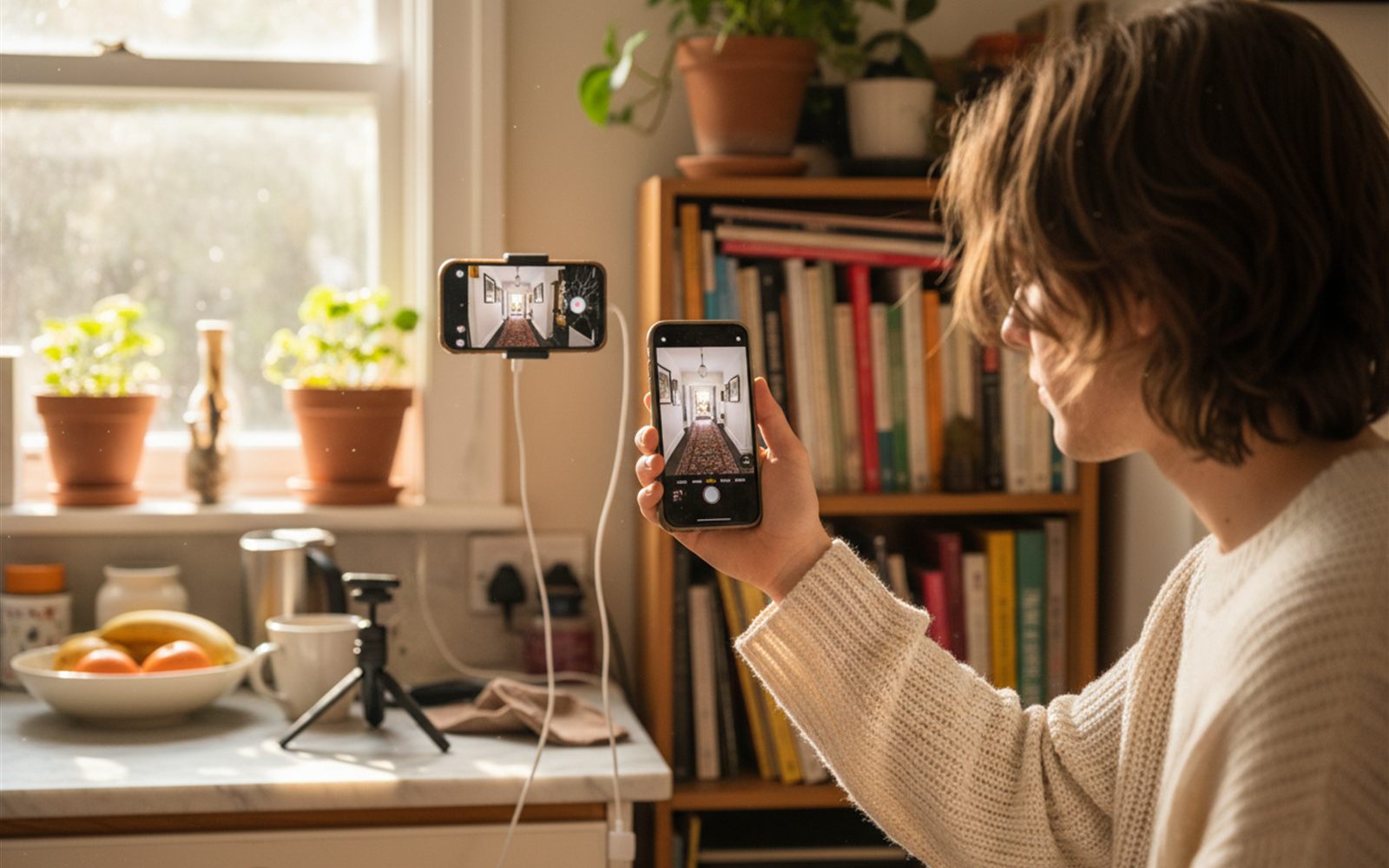
Setup guides from camera maker eufy and others land on the same handful of tweaks, and they are the difference between a feed you trust and a feed you babysit.
The propped book pose works, but a few dollars of hardware makes the view dramatically better. Security guides suggest mounting 6 to 8 feet up with a slight downward angle, which widens coverage and keeps the camera out of easy reach.
Here is the honest gap between your drawer phone and real hardware, so you can decide with open eyes.
If one of those is a dealbreaker for your situation, that is your signal to buy hardware. For a hallway, a nursery, a package shelf, or a puppy zone, the phone does the job for free.
The drawer phone plus a free app costs exactly zero, which is a hard price to argue with. The 2026 budget camera reviews at Smart Safe Gear and SecurityBros put the Tapo C120 around $30 and the Wyze Cam v4 around $35, both recording locally to a microSD card with no subscription required.
The interesting math shows up if you upgrade the app. Alfred Premium at $35.99 a year costs about one budget camera, every year. So the smart play is simple: run the free tier and pocket the win. The day you catch yourself wanting longer clips, sharper video, and a second angle, that is the day a $30 gadget quietly becomes the cheaper option, and your phone becomes camera number two.
Before: a dead weight phone in a drawer and zero idea what your dog does at 2 pm.
After: a live, narrated answer, plus a phone that finally pays rent.
Across tech writeups and hobbyist forums, the consensus is that it works better than a free thing should. People use it to watch doors, pets, and driveways through a window, and the recurring gripes are consistent too: the phone runs warm, the app occasionally needs a reconnect, and the free tier caps video quality and nudges you toward a subscription. The common conclusion is that it is a great second camera, and a perfectly good first one while you decide if you need more.
The best security camera is the one you already paid for.
The viral scrub really can clear years of baked on grime, if you follow one temperature rule.
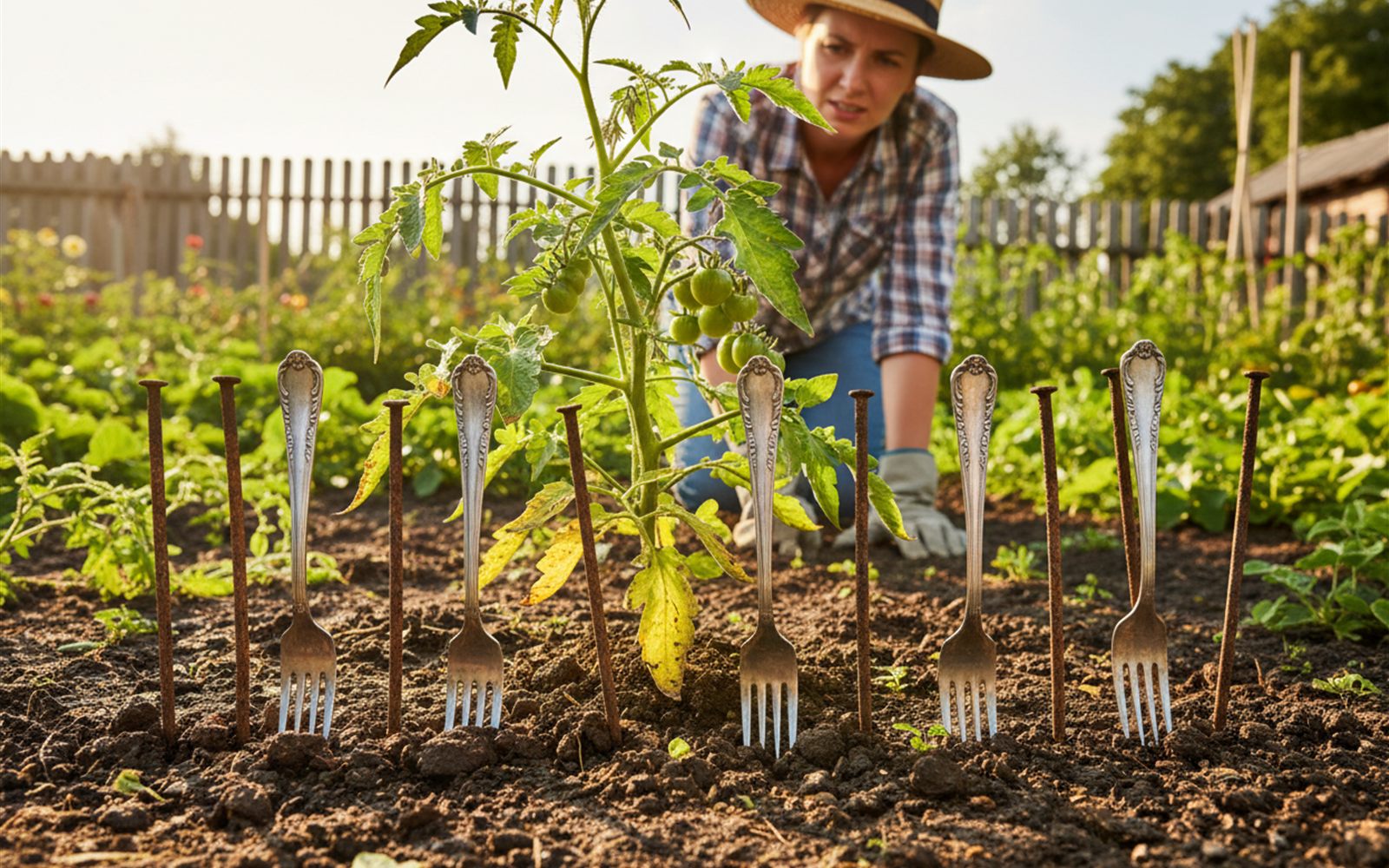
The viral trick promises free iron and pest control, but soil scientists say your plants never get the memo.
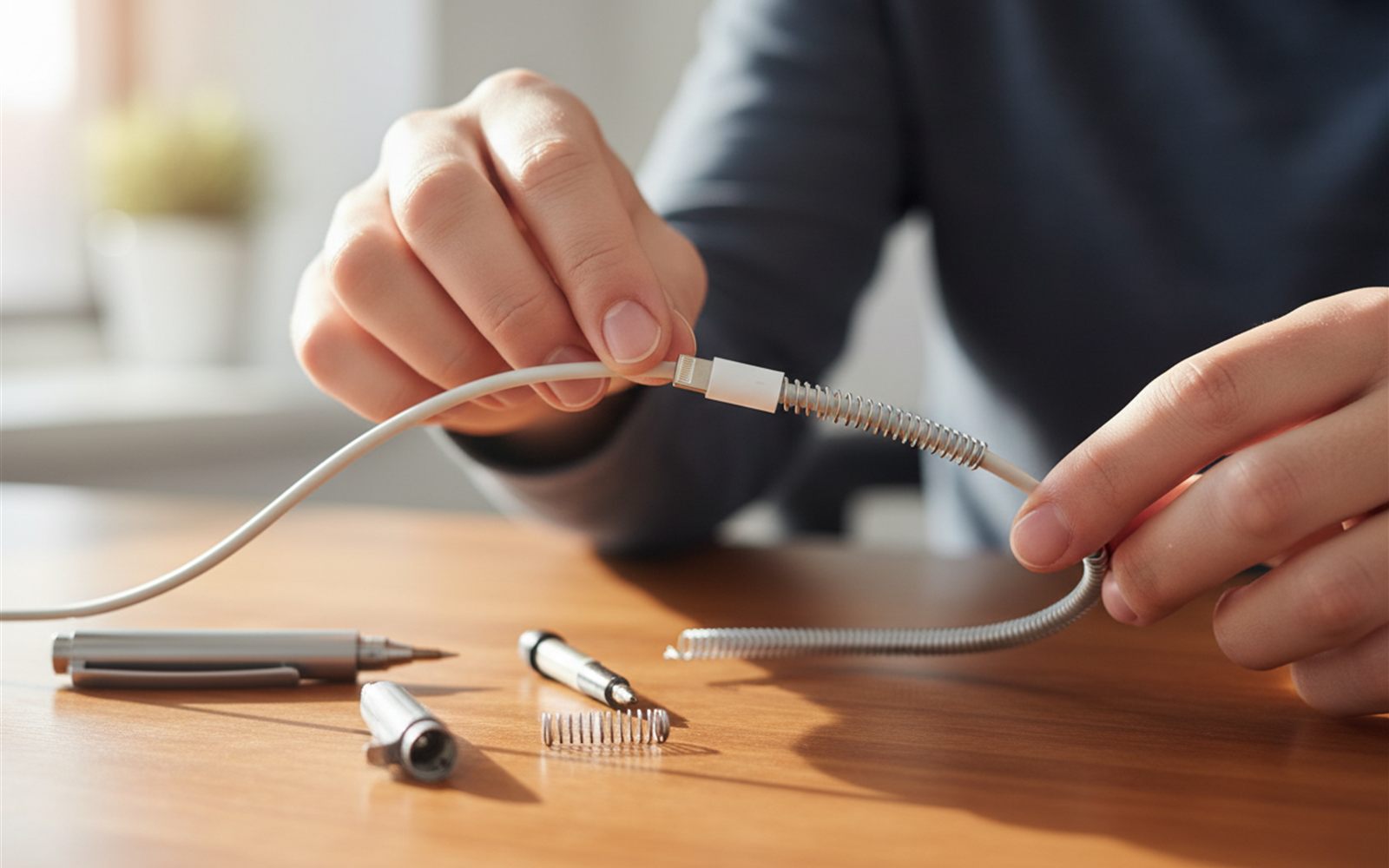
A pen spring and some heat shrink tubing keep cheap chargers alive for years, and the fix takes minutes.